

Scaled structured course delivery.
Cognise supports the creation, delivery, and ongoing management of all course types as part of a broader learning system. Courses in Cognise are designed to support onboarding, compliance, capability development, and internal programmes, with clear structure, sequencing, and visibility across the entire organisation at scale.
Create courses with structure and control
Courses can be created by authorised users using built-in tools, templates, and optional AI support to accelerate development while maintaining consistency and quality. AI can assist with outlining, drafting, and structuring learning content, helping L&D teams move faster without removing oversight or intent. Courses remain fully editable and reviewable, ensuring learning aligns with organisational standards and requirements.
Third party SCORM modules can be uploaded into a workflow, or used as stand alone courses. All learning types are tracked.
AI that contextually fits into real workflows.
Cognise uses AI to accelerate drafting and structure. Decisions, approvals, and outcomes remain human-led at every stage.
Simple instructions generate an accurate, editable draft that gives you a clear starting point. Outlines create visible steps that can be changed. You choose what to refine, review, approve, and publish.
We’re ahead: AI will soon be table stakes. What truly matters is how we help people and teams build meaningful learning.
Designed for delivery not just creation.
Courses in Cognise support a range of learning needs, including:
Multi-module course structures
Supporting resources, materials, and discussions
Knowledge checks and assessments
Reviews and approvals before release
Courses can be updated over time as requirements change, without disrupting tracking or reporting.

Courses and resources.
Courses in Cognise can include a mix of structured learning and supporting resources.
Resources may be created as standalone learning items, linked to external content, or uploaded directly, allowing organisations to deliver guides, reference material, videos, HTML5, or documents alongside courses.
All resources are delivered and tracked within Cognise, ensuring visibility into access and engagement without fragmenting learning across systems.
Integrated with the wider learning system.
Courses do not sit in isolation. They can be:
Assigned to individuals, roles, or groups
Combined with events and blended learning
Included in programmes and initiatives
Tracked alongside other learning activity
This ensures courses contribute to a single, reliable learning record rather than becoming disconnected content.
Visibility and reporting.
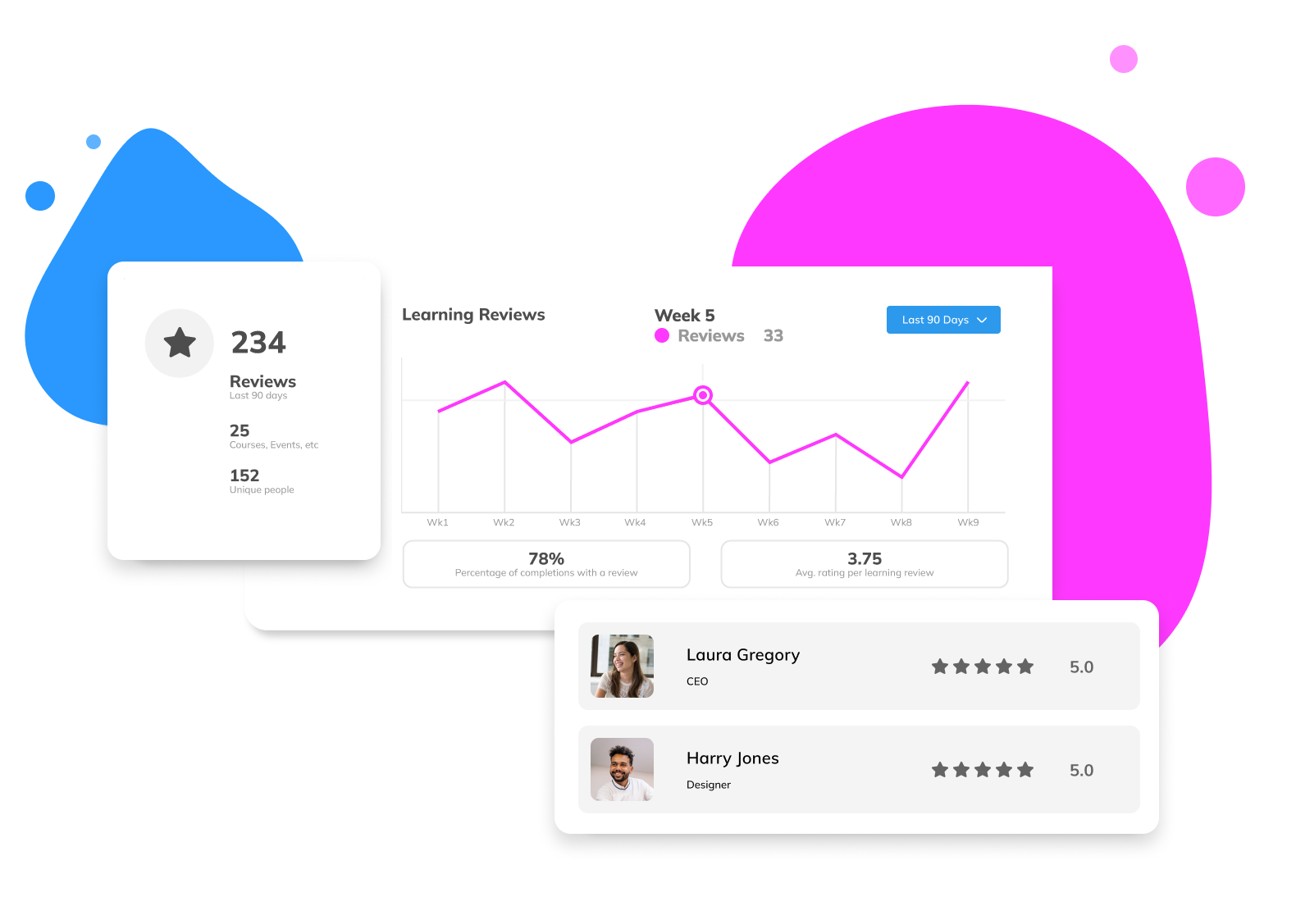
Progress and completion are tracked at individual, group, and organisational levels.
L&D teams and managers can see:
Who has been assigned a course
Progress and completion status
Overdue or outstanding learning
This supports accountability, compliance, and continuous improvement.
See courses in context.
Explore how course are created, delivered, and tracked as part of the Cognise learning platform.